

Netflix is one of the most popular streaming platforms. However, many users reported that they failed to play the Netflix videos because of a streaming error, saying this title is not available to watch instantly. If you encounter the same problem, don’t worry. In this post, you’ll learn how to get your Netflix back up and running easily.
Fix 1 – Sign out and sign back in
Let’s start with the standard log-out-and-log-in method. It’s always worth a try when you’re stuck in program glitches. If you don’t know how, follow the steps below:
- Open your Netflix app.
- Tap the More tab and select Sign Out at the bottom of the screen.
- Restart the app and sign in again with your account.
See if you can play the Netflix video as normal now. If not, check out the second fix below.
Fix 2 – Clear cache
When you see ‘This title is not available to watch instantly‘ on Netflix, it means the data stored on your device needs to be refreshed, and the corresponding solution is to clear the cache. Here we’ll show you how to do this on Android devices.
If you’re an iOS user, you need to uninstall the Netflix app to completely remove the app cache.
- Go to Settings > Apps > Manage apps.
- Scroll down to find Netflix
- Select Storage > Clear cache.
Once done, restart Netflix to test the issue. If the error message persists, keep reading the fixes below.
Fix 3 – Reinstall/Update your Netflix app
A rather old version of the Netflix app is more likely to trigger various types of issues. To ensure a stable connection and fix the ‘Netflix title is not available to watch instantly’ error, you should update your app to the latest.
On Android
- Open the Google Play Store and search for Netflix.
- Select it and tap Update.
On iOS
- Launch the App Store.
- Tap the profile icon at the top right corner.
- Under Available Updates, find Netflix and tap Update.
Alternatively, you could perform a reinstallation to reset the application thoroughly, but this will remove all the titles you downloaded. If Netflix is still not working, proceed to the next fix.
Fix 4 – Use a VPN
This title is not available to watch instantly error may indicate the video is not accessible in your country because of content restrictions. If this is the issue for you, use a VPN to unlock all the Netflix content.
VPN stands for Virtual Private Network. It lets you disguise your IP address, keeps your internet activity hidden from your ISP and makes your online activity completely anonymous, so you can have better network speed and avoid common streaming issues like slow loading, frozen, or buffering videos. We recommend you choose a reliable paid provider like NordVPN.
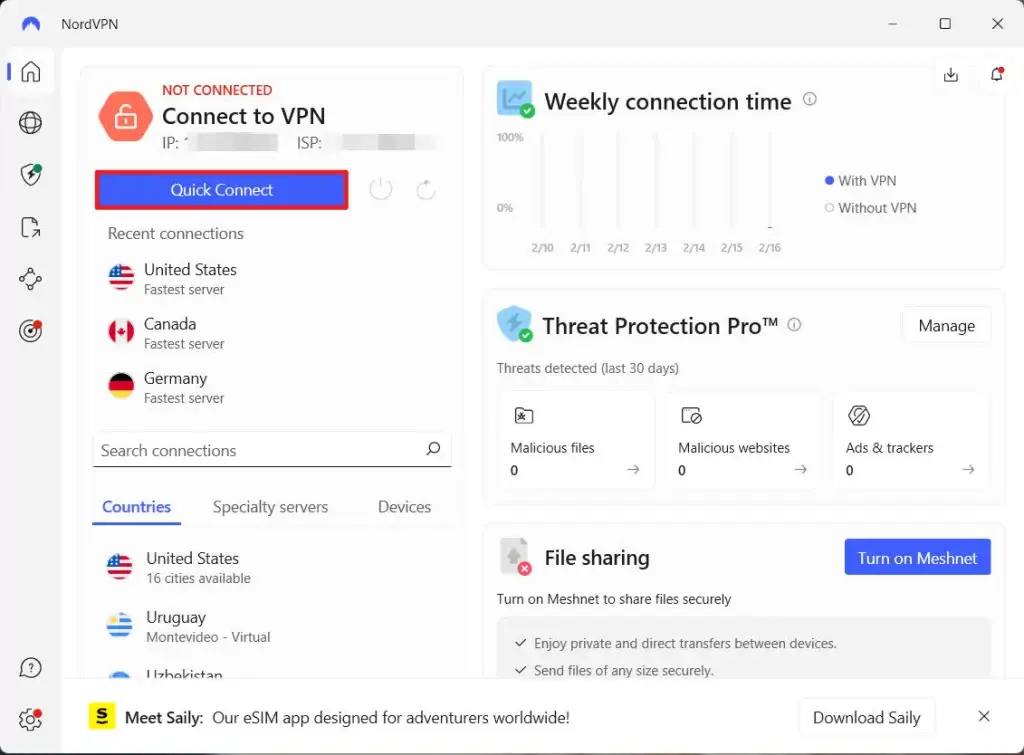
With a VPN, you should bypass the region ban and see if the streaming error goes away.
So these are the fixes for the Netflix this title is not available to watch instantly issue. Hopefully, they helped. If you have any questions or suggestions, feel free to leave a comment below.
Leave a Reply