

These days, YouTube has become an essential part of our daily lives. Whether you’re watching a funny clip, a tutorial, or an amazing movie trailer, sometimes you just wish you could save it to your computer and watch it offline. But how exactly can you download—or “rip”—YouTube videos safely and easily?
Fortunately, there are several powerful (and completely free) tools that let you save YouTube videos in different formats. Over the years, I’ve tried different ways to download YouTube videos for free. In this article, I’ll walk you through how to download YouTube videos step by step.
Note: You are responsible for how you use any downloaded content. Always respect copyright laws and creators’ rights. This guide is for personal and educational use only.
Option 1: CNVMP4
This is a fast and easy way to rip YouTube videos on your computer.
1) Open the CnvMP4 page in your browser.
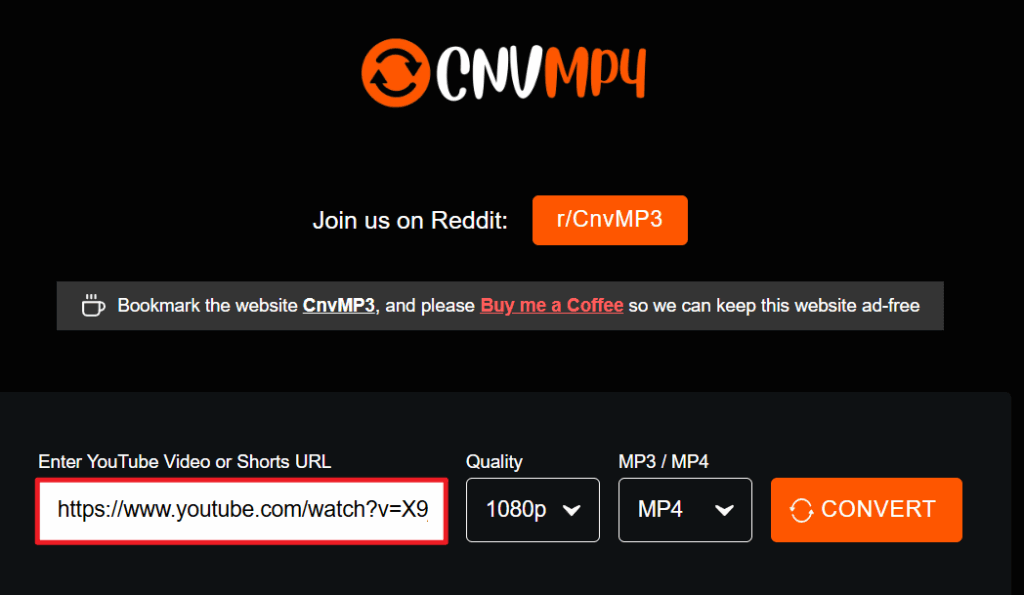
2) Copy the link of the YouTube video you want to rip, and paste the link in this field:
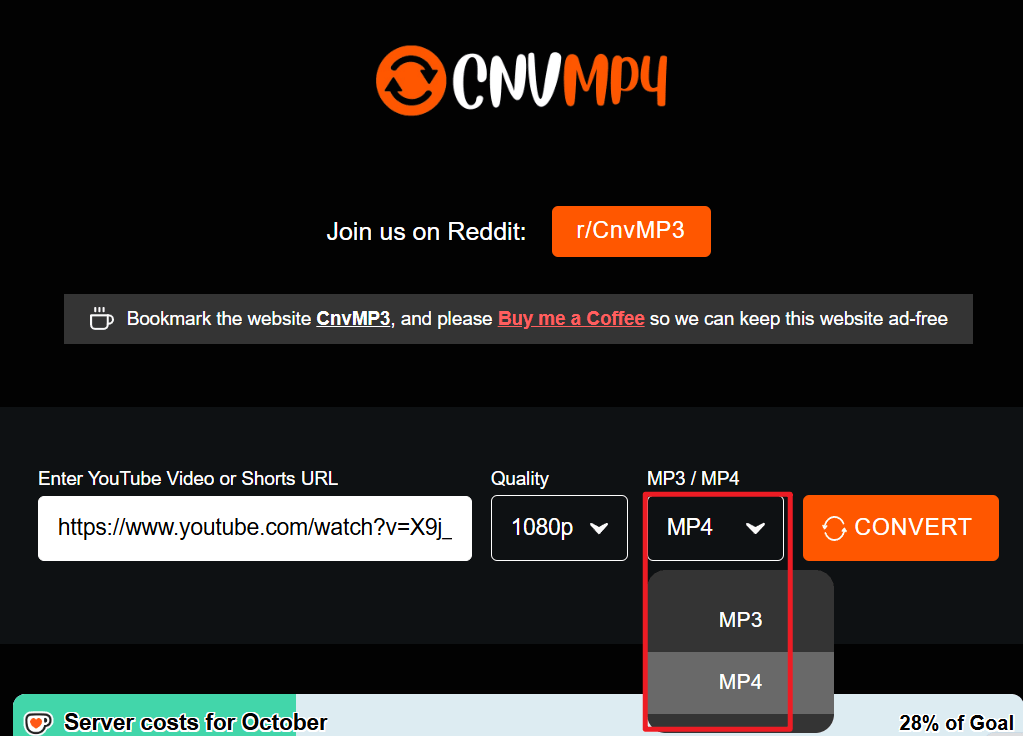
3) Select the format you want to convert to. In this case, we’ll select MP4.
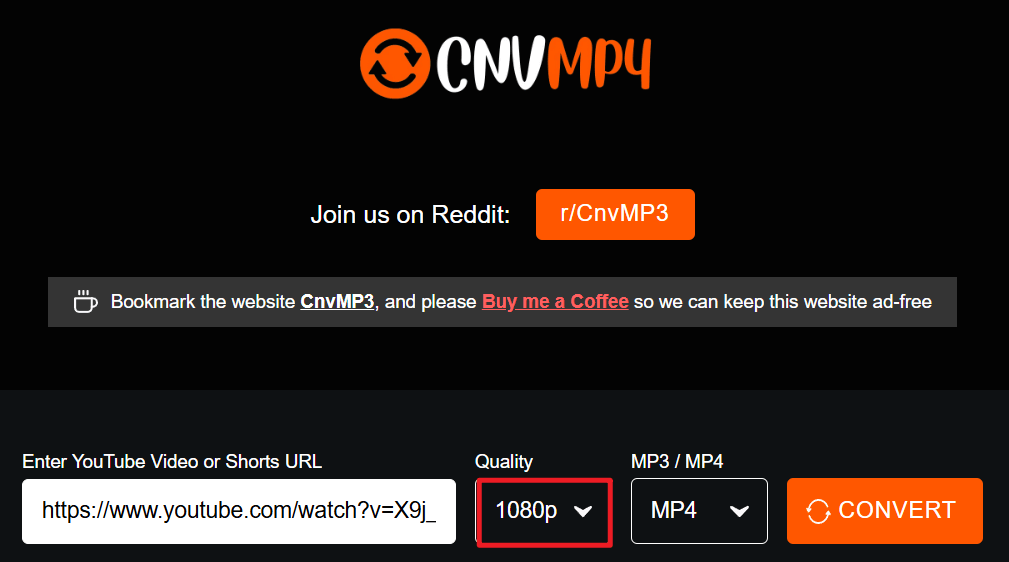
4) Select the video download quality. Note that choosing higher quality settings will result in a larger file size.
5) Click CONVERT.
6) Wait for a few minutes until the download finishes. After downloading, click to open the downloaded video, and you can watch it.
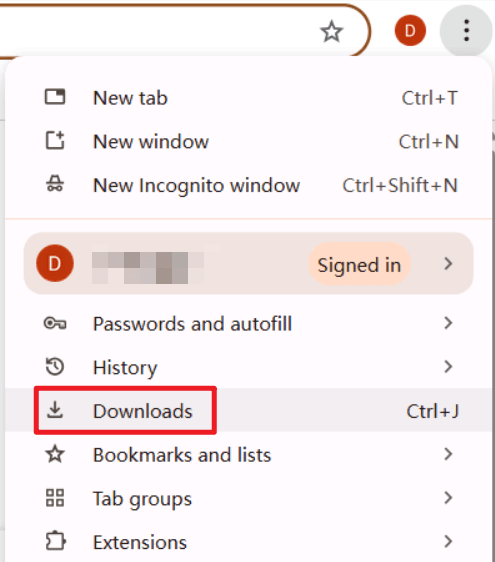
Tip: If you’re not sure where your downloaded video is saved, check your browser’s download list. In Google Chrome, click the three dots in the top-right corner and select Downloads to find your recent files.
Option 2: DOWNR
1) Go to downr.org.
2) Copy the link of the YouTube video you want to rip, and paste the link in this field:
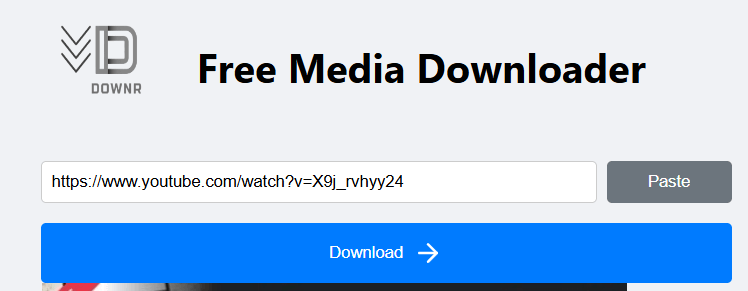
3) Click Download.
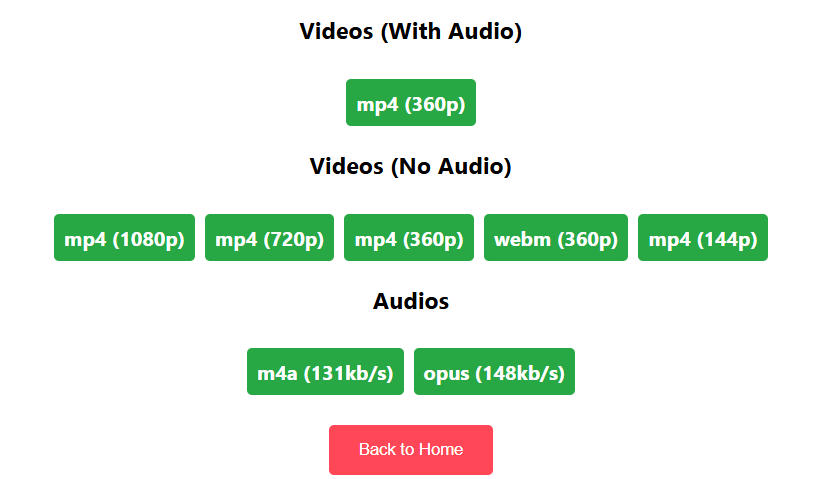
4) Select the video format.
If you found this guide helpful, feel free to leave a comment or share your feedback below.
Leave a Reply