
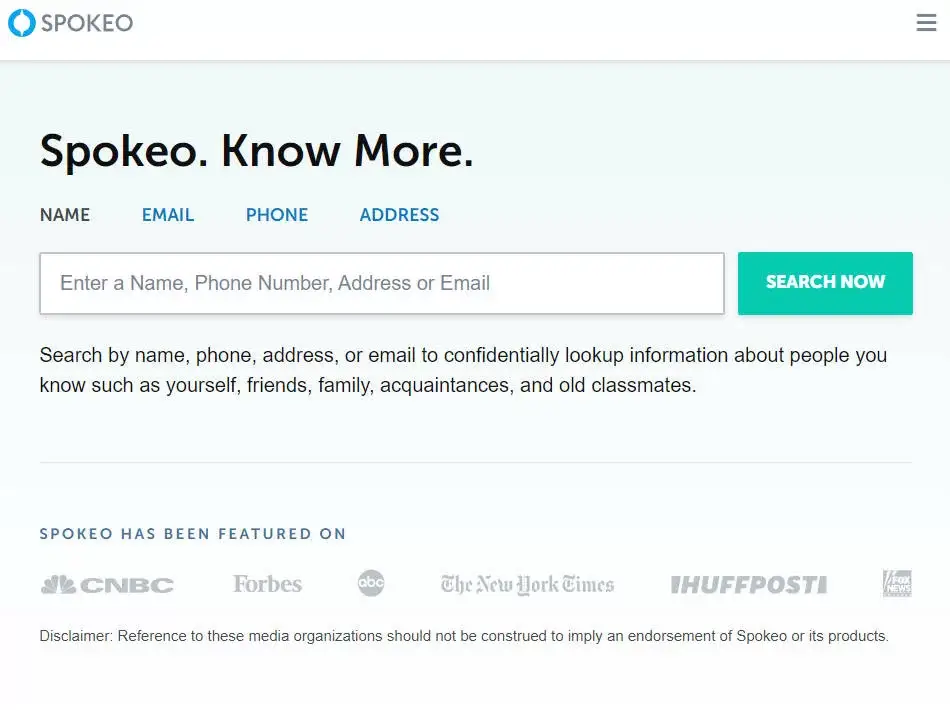
Let’s say you Google yourself one day and suddenly your name, phone number, address, and old social profiles are staring right back at you on Spokeo.
Yeah. Not a great feeling.
Spokeo is one of the most well-known people search sites out there. It pulls together public records, social media information, etc., and makes it searchable in one place. If you would like to remove your own information from this site, you do have options. Let’s walk through them step by step.
1. Remove your info automatically
Here’s something a lot of people don’t realize.
If your info shows up on Spokeo, there’s a very good chance it’s also listed on dozens or even hundreds of other people search sites. That’s because these sites all pull from similar public data sources. And even worse? Even if you manually opt out, data brokers often re-list your information a few months later.
That’s where a service like DeleteMe comes in.
Think of DeleteMe as a personal privacy assistant. It automatically scans the web for your personal data and submits removal requests to over 750 other data broker websites. It continuously monitors the internet and ensures your information stays off these platforms by rechecking every three months
Here’s how to use DeleteMe:
- Go to the DeleteMe search page.
- Enter your name and city, then click Scan Free.

- DeleteMe will search the web and compile a report showing where your personal information appears online. Enter your email to get your report.

- Review your report. If you decide you want everything removed and monitored long-term, you’ll need to subscribe, but the scan itself is free and eye-opening.
2. Manually opt out of Spokeo
If opting out of Spokeo is just what you need and you’re pretty comfortable with the manual process, you can follow the instructions below:
- Go to the Spokeo opt out page.
- Fill in the URL of your report and your Email address. Then complete the CAPTCHA verification, and click OPT OUT.
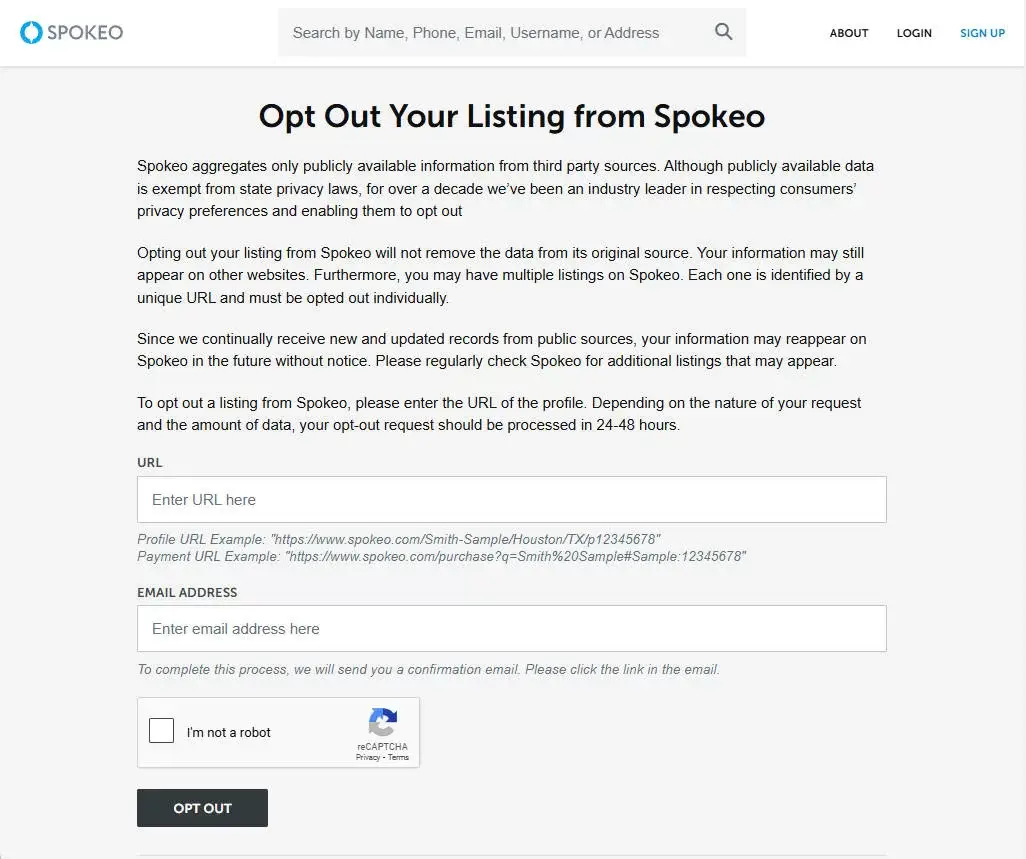
Spokeo usually removes within a half hour after email confirmation. If you need any assistance or you find that your record hasn’t been removed, contact the Spokeo support team.
Final thoughts
Whether you choose the manual output or a dedicated service like Aura, taking control of your personal information is a smart move.
Hopefully, this post helped you remove your information from Spokeo. If you’ve tried a service like Aura before, or have questions about opting out of data broker sites, feel free to drop a comment. I’m happy to help.
Leave a Reply