
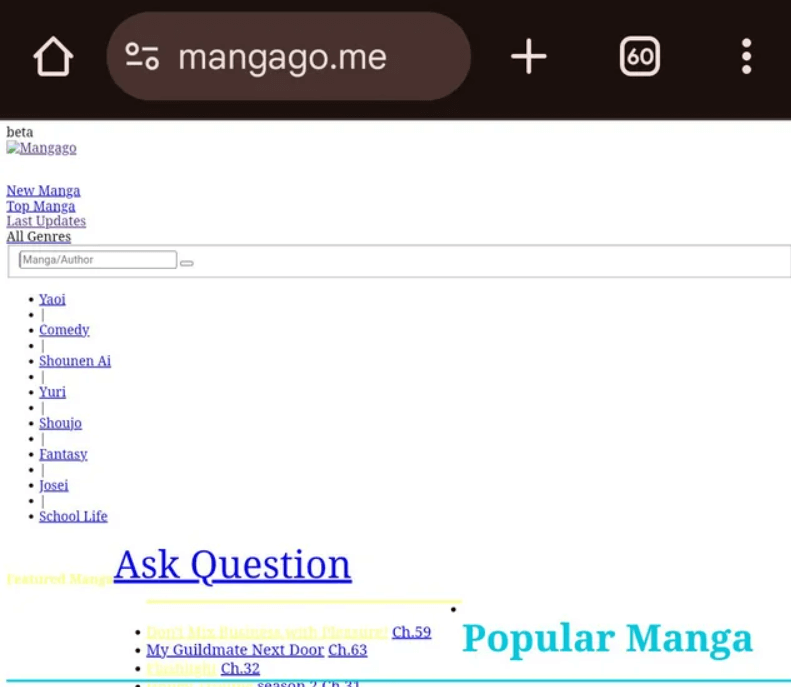
MangaGo is one of the most popular sites for free manga, but it doesn’t always work smoothly. If the site won’t load or keeps glitching, this guide walks you through the most effective troubleshooting steps.
In this article:
- Fix 1. Check Your Internet Connection
- Fix 2. Check for MangaGo Server Issues
- Fix 3. Restart Your Device
- Fix 4. Disable Your Ad Blocker
- Fix 5. Check for Browser Issues
- Fix 6. Use a VPN
Fix 1. Check Your Internet Connection
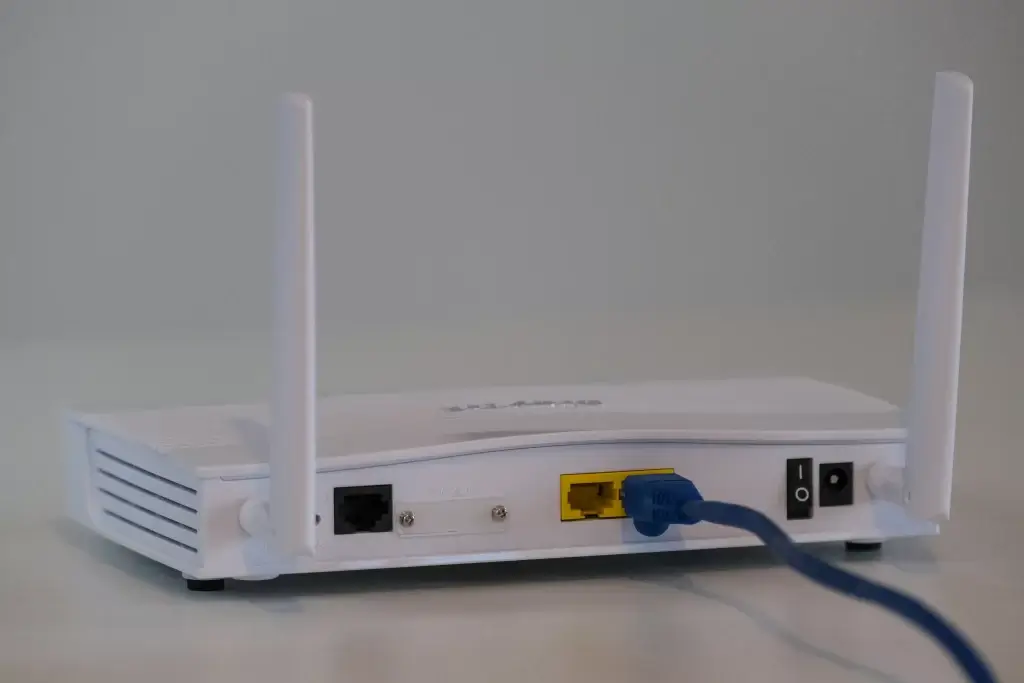
First, let’s get the obvious out of the way. Most loading issues come from connectivity problems, not the website itself. Before diving into deeper fixes, confirm you’re actually online.
Open another website and see if it loads normally. If other sites fail to load too, restart your router or contact your ISP.
If you’re on Wi-Fi, switch to mobile data (many users report MangaGo loads on data but not home Wi-Fi).
Fix 2. Check for MangaGo Server Issues
If the MangaGo website fails to load, it could simply be because the MangaGo service itself is down or offline. You can search MangaGo on social networks to see if anyone has posted info about the downtime issues.
If the problem is on MangaGo’s end, there’s nothing you can do but wait for them to fix it.
Fix 3. Restart Your Device
In most cases, the MangaGo not loading error is a random glitch that can be fixed by a simple reboot, whether you’re using your desktop, tablet, or mobile.
If you haven’t tried this yet, give it a shot and try opening MangaGo again once it boots back up.
Fix 4. Disable Your Ad Blocker
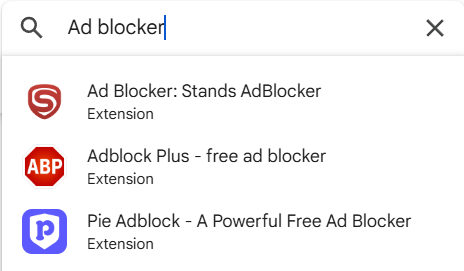
MangaGo is heavily ad-supported, so aggressive ad blockers can unintentionally block scripts or page elements the site needs to load. When that happens, pages may fail to display, load partially, or get stuck on a blank screen. Temporarily turning off your ad blocker is one of the quickest ways to check if it’s the culprit.
- If you’re using a browser extension like Adblock, Adblock Plus, or uBlock Origin, click its icon in the toolbar.
- Select Pause, Disable on this site, or Turn off for MangaGo (wording varies by extension).
- Refresh MangaGo and see if it loads properly.
If the site works after disabling the blocker, add MangaGo to your extension’s allowed-list/whitelist to avoid future issues.
Fix 5. Check for Browser Issues
Switch to a Different Browser
If MangaGo won’t load, it could also be a browser-related glitch. When this happens, the quickest solution is to try a different web browser/ Incognito Windows and see if the issue is still present.
You can try visiting the site in a different browser to see whether the problem lies with your current one. For example, if you’re using Chrome, try loading MangaGo in Edge, Opera, or Safari.
Try an Incognito Window
If you don’t have another browser installed, you may want to try a private browsing window. When you’re visiting MangaGo under Incognito mode, your browser won’t load the site with the cookies used to store your login info and track you around the web.
If MangaGo loads with no problems, you can narrow down the problem to your browser. Try deleting your browser cache and cookies to see if they’re causing problems, or reset your browser settings back to default.
Clear Browser Cookies and Cache
Corrupted cookies or outdated cached files frequently break websites. Clearing them forces your browser to load a fresh version of MangaGo. If you’re on a desktop, follow the instructions below:
- Open your browser.
- On your keyboard, press the Shift, Ctrl, and Del keys at the same time.
- Click Clear data.
- Try visiting MangaGo to see if the problem still exists. If yes, try resetting your browser settings.
Reset Browser Settings
Browser extensions, custom settings, or experimental flags can sometimes interfere with site loading. Resetting restores everything to factory defaults.
- Open your browser.
- Go to Settings > Advanced.
- Under Reset and clean up, click Restore settings to their original defaults.
- Click on Reset Settings.
If MangaGo still won’t load, the problem likely lies somewhere else on your machine.
Fix 6. Use a VPN
Due to copyright restrictions, MangaGo is blocked in certain countries. If you can’t access the site at all, there’s a good chance it’s restricted in your region. In that case, you’ll need a VPN (Virtual Private Network) to bypass the block and reach MangaGo.
In simple terms, your IP address reveals your real location. A VPN masks your address and replaces it with one from another region, allowing you to open websites and content that would otherwise be unavailable.
If you’re already using a VPN, try switching to a different server; sometimes that alone fixes the problem. If you don’t have a VPN yet, here are the services I recommend. Keep in mind that while free VPNs exist, they’re rarely as fast, secure, or reliable as paid options, and some may even be required to share your data with authorities.
My favorite VPNs are:
Hopefully, this article helped! If you have a better idea on how to fix this issue, please share it with us in the comments. We would love your thoughts!
Leave a Reply