

If you were online in the early 2000s, Myspace was everything.
Your music. Your photos. Your Top 8 drama. That glittery background you thought was a great idea at the time.
There are times when you might want to see your old Myspace profile again.
If you’re trying to find your old Myspace profile, here’s how people usually go about it.
1. Search Myspace Directly
First question: do you remember anything about your old account? A username? A display name? The email you used back then? If the answer is yes, start there.
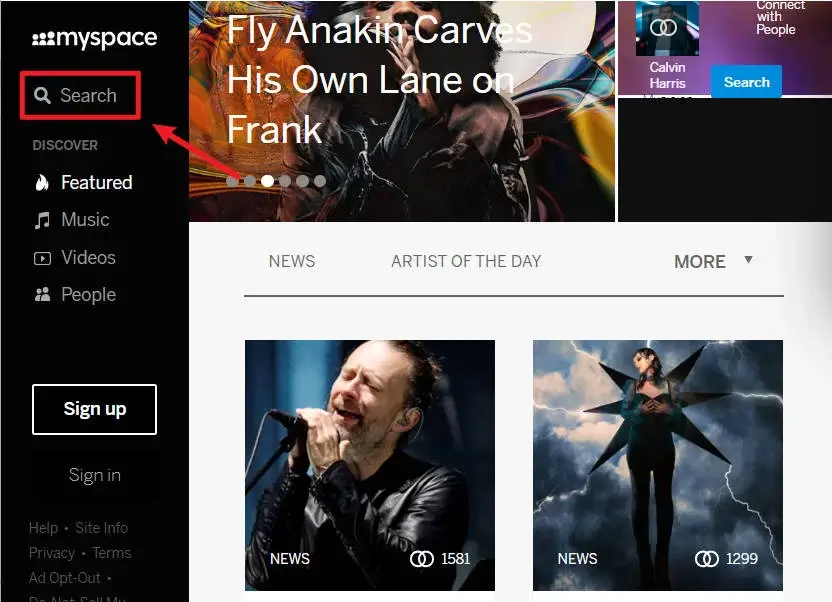
Head over to Myspace, click the Search option on the top-left of the site, and type any information you remember using at the time. Sometimes, that’s all it takes.
2. Search Your Old Friends Instead
If your memory is totally blank, don’t panic. That’s normal.
Here’s the workaround: Instead of searching for yourself, search for people you were connected to.
Think back your old classmates, friends you chatted with all the time, or anyone who might’ve had you in their Top 8 (yes, that still matters).
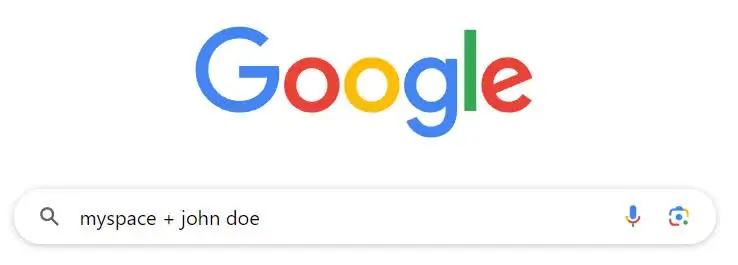
A simple way to do this is by Googling “Myspace + your Myspace friend’s name”. For example, “Myspace + John Doe”. Start with people who were closest to you back then. If you were in someone’s Top 8, your profile often shows up right on their page, no deep digging required.
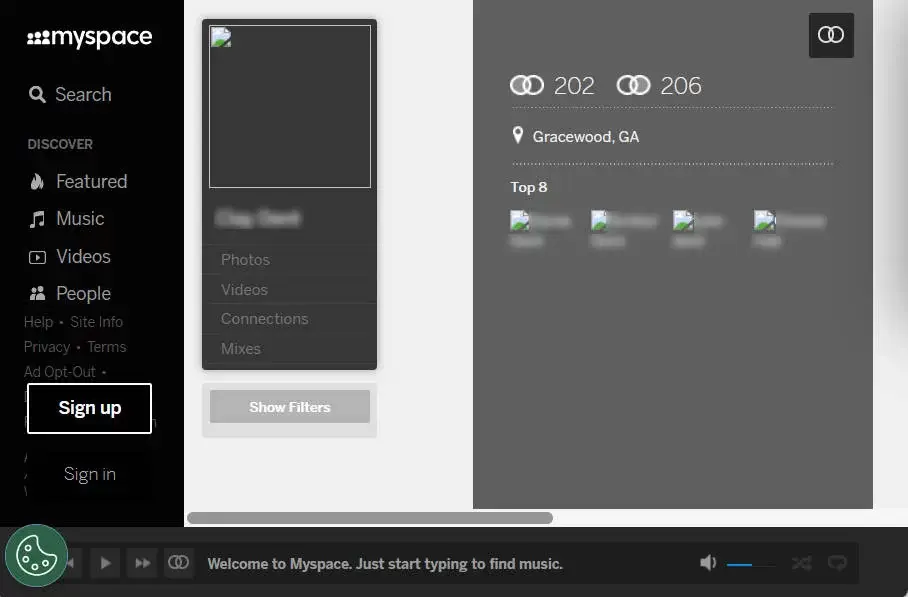
If you find their profile, click on the People he’s/she’s connected to link on their profile page and browse. There’s a good chance your profile shows up there.
3. Try Email Addresses
Myspace accounts were tied to email addresses, so this is another solid angle.
Make a list of every email you’ve ever used, such as your old school email, early Gmail or Yahoo accounts, or anything you might’ve used back in the day. Then go to Myspace and search each one.
If that doesn’t work, flip the strategy and search for the email of someone you know you connected with (like a family member, a classmate, or an old coworker).
If their profile comes up, check their Connection list and see if your old profile is hiding there.
4. Use a People Search Tool
If Myspace searches aren’t getting you anywhere, you can try a people search tool like Social Catfish.
People search tools scan public records and online data to surface. They’re designed to find information about individuals, including their social media links, contact details, public records, and associates.
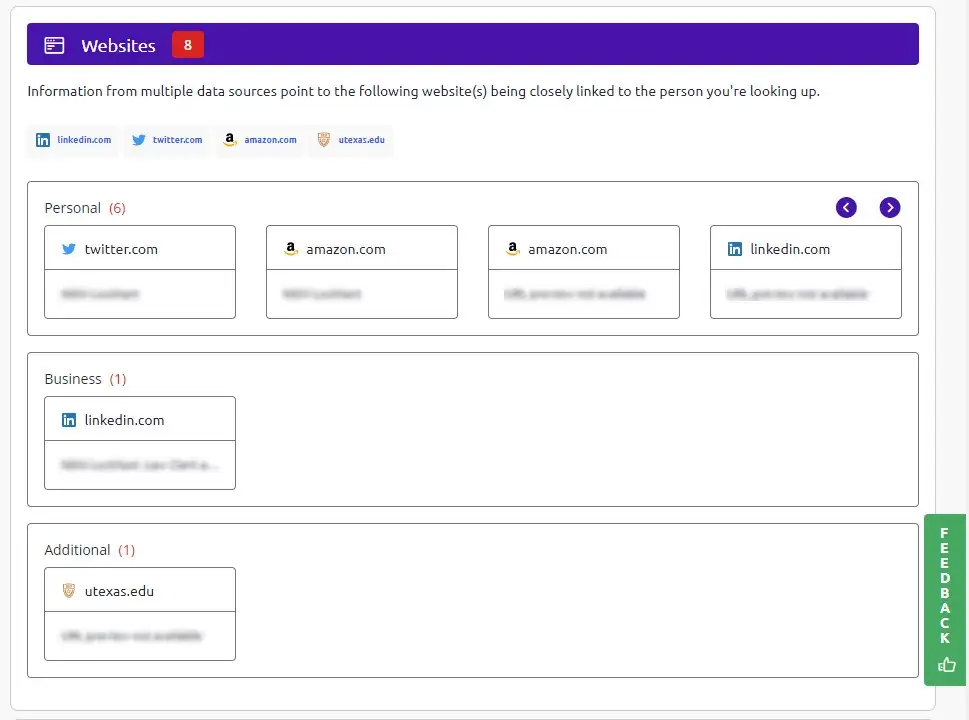
You can look up your name with Social Catfish to see what comes up. If a Myspace link exists, it’s often listed under the Websites section of the report. Just keep expectations realistic. People search tools work sometimes, not always.
5. Try the Wayback Machine
Here’s the tough part.
A few years back, Myspace lost over 12 years’ worth of user data. So even if you find your profile, your photos, posts, and music might be gone.
If that happens, don’t give up yet. You can use the Wayback Machine to see if you can retrieve any lost content.
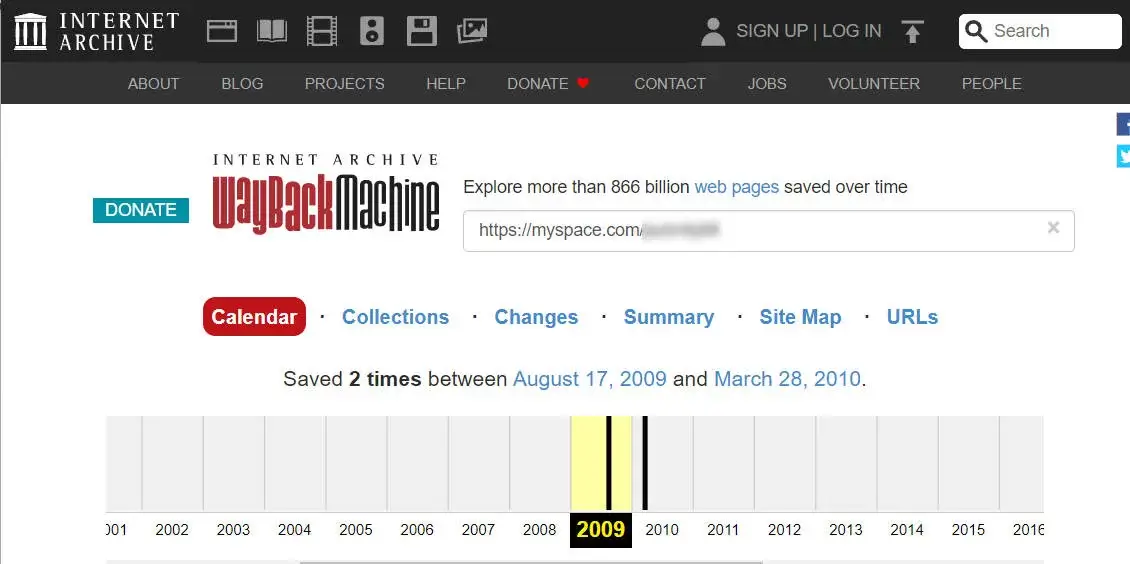
- Go to https://web.archive.org/.
- Enter myspace.com/yourMySpacename .
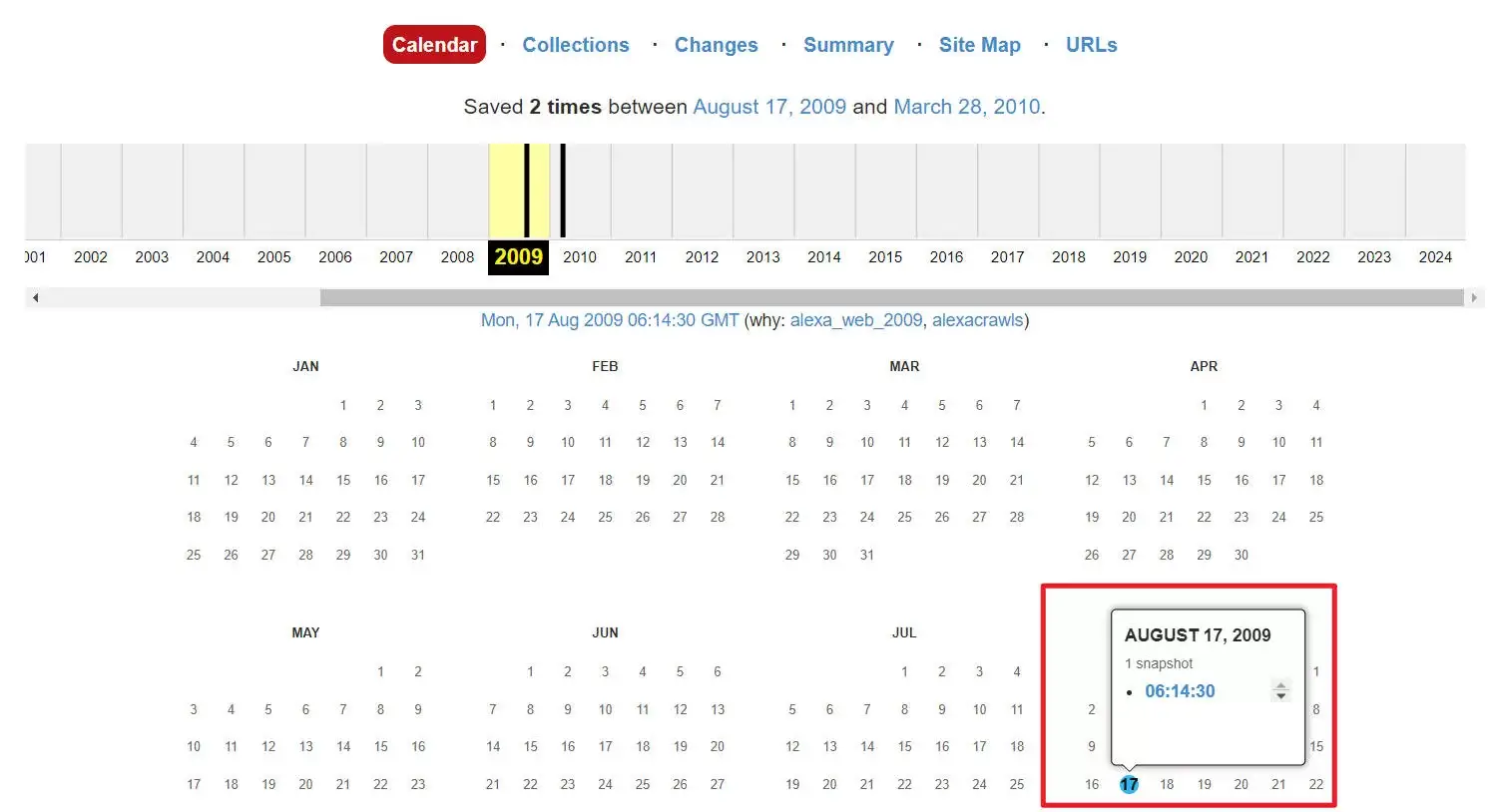
- If the Wayback Machine has archived that page, it’ll come up with a scrollable collection of years. Click on the year you want.
- Select one of the blue dots, then click a timestamp to go to the link to the page as captured at that time.
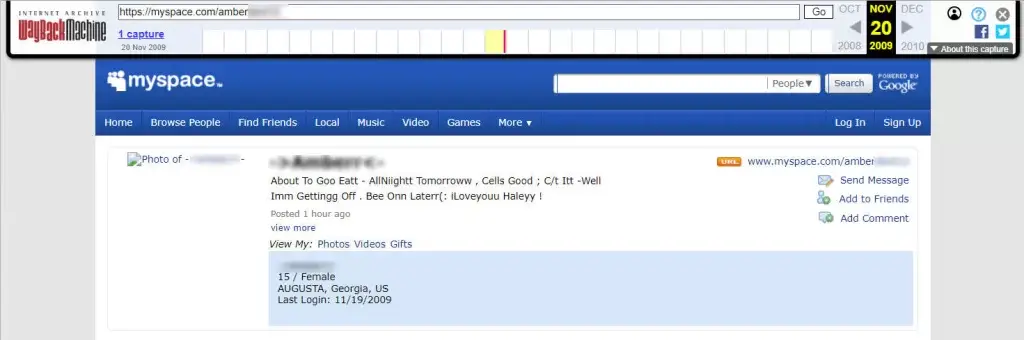
If you’re lucky, you’ll see a snapshot of your old profile, glitter, music player, photos, and all. It’s not interactive, but it’s a genuine time capsule.
Final Thoughts
Finding an old Myspace profile can feel like a digital archaeology.
Sometimes it’s easy. Sometimes, it takes patience. And sometimes, all you get is a half-frozen snapshot of who you used to be.
But even that can be worth it. Because for a lot of us, Myspace wasn’t just a website; it was where we first figured out how to exist online.
Hopefully, this post helped. Feel free to leave a comment below if you have any questions or suggestions.
Leave a Reply