

Got a message from a stranger on Discord, and you’re not sure who they really are? Or maybe someone claims to be your friend, but something feels… off?
Discord is an amazing place to chat, game, and hang out, but it also allows people to stay anonymous. Anyone can create an account using random or fake information. So the best you can do is use public and legally available information to gather clues.
Before we go any further, here’s the most important thing you need to hear: There is NO real tool that can instantly reveal a Discord user’s identity or real name. Any website or service claiming it can do that is fake, and usually a scam. What you can do, though, is gather publicly available information and decide whether this person feels legit or sketchy.
In this article:
1. Check Their Profile Details
Before jumping into tools or searches, slow down and look at what’s right in front of you.
Every Discord user has a unique username with four digits at the end (like john#1234). Sometimes that alone is enough to ring a bell, especially if it matches a name you’ve seen elsewhere.
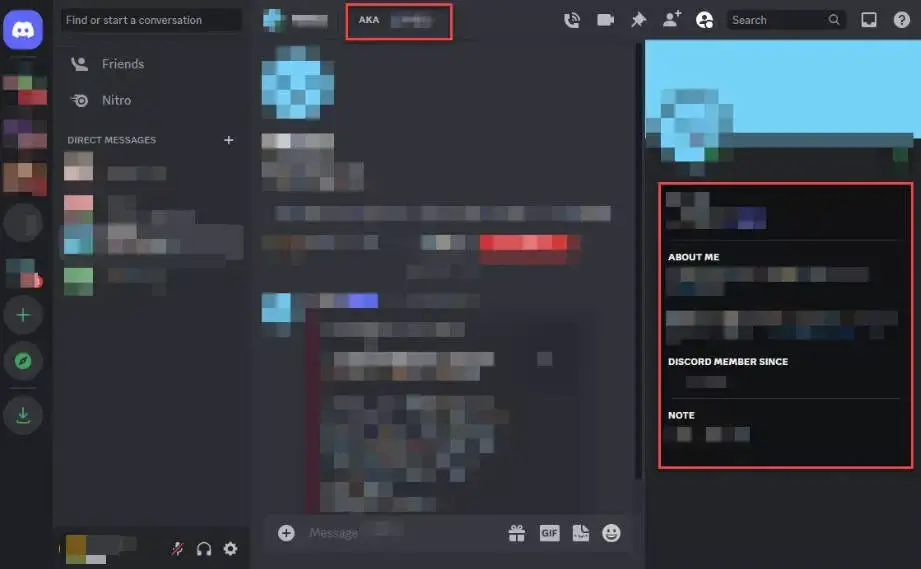
Now click their profile. Some users also write down nicknames or aliases on their profiles. To check, log into your Discord, go to your chat with the person, and look for any information under “AKA.”
You can also click on their profile picture to view their User Info – sometimes, people add links to their social media or websites there. It takes 10 seconds, but that click can lead you down a very revealing rabbit hole.
Once you spot any small detail (like a username + hobby or location), try Googling combinations of those things together. You’d be amazed how often people reuse the same info across platforms.
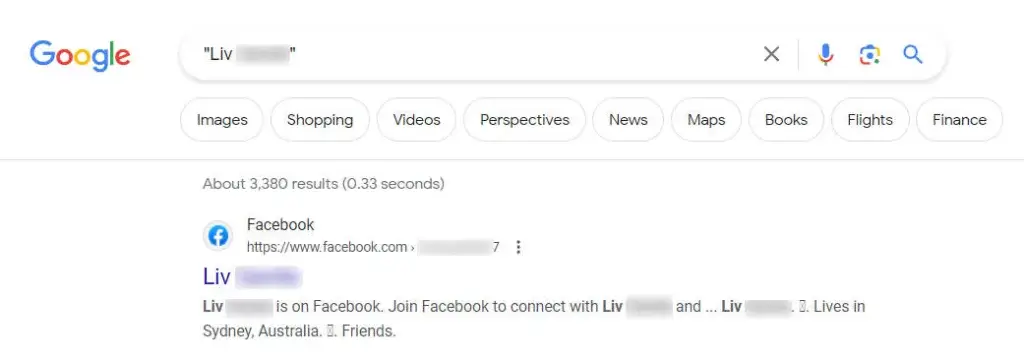
2. Reverse Username Lookup
A lot of Discord users reuse the exact same username on Reddit, Twitter, Instagram, gaming forums, or random websites.
This is where reverse username lookup tools come in.
While there are paid people search services like Social Catfish, we’d recommend you start with free ones like WhatsMyName, which automatically searches across many websites.
Simply input the Discord username of the person into the search bar and hit the Search button.
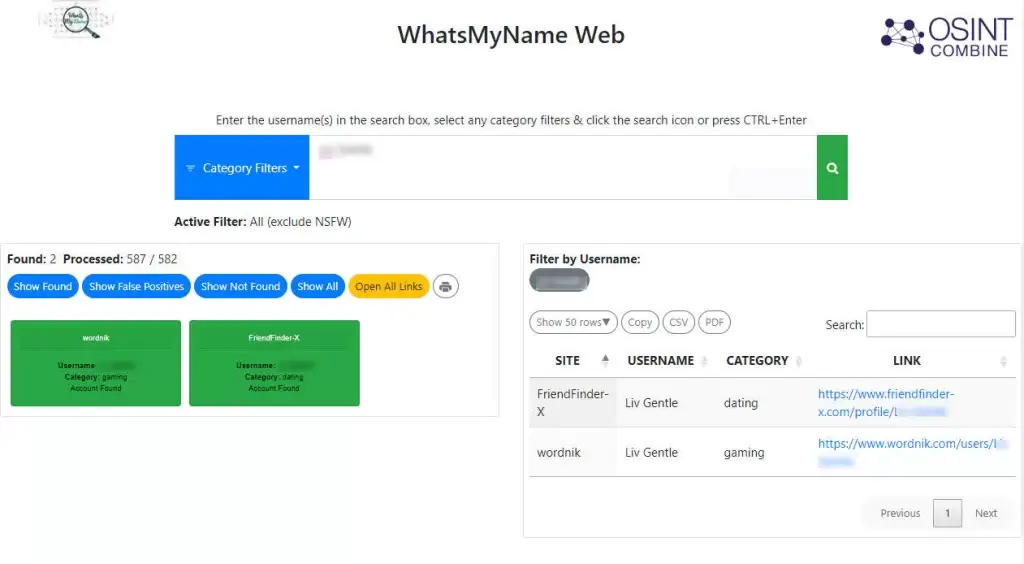
If that username pops up on other platforms, click through and compare profile photos, writing style or location hints.
If everything lines up, you’re probably dealing with the same person. If nothing shows up at all? That doesn’t prove anything, but it does limit how much you can verify.
3. Reverse Image Search
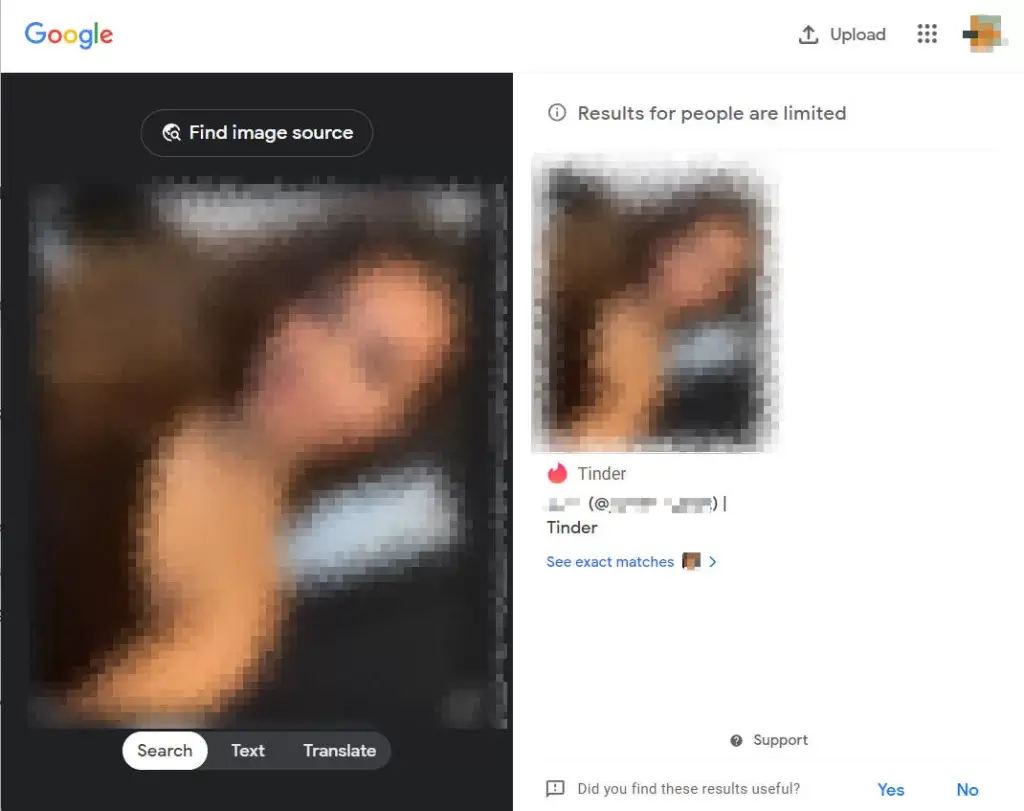
If the Discord user has a profile picture or sends you an image, you can try a reverse image search. This will show you where else that image pops up online, which might reveal a lot of information if you find the same photo on another social profile.
Start with free tools like Google Images and TinEye – both are easy to use and powerful in locating images online. Just upload the person’s Discord profile picture into them, and these tools will scour the web to find any matches.
If the person is using a real photo of themselves, you can also try facial recognition search tools like PimEyes and FaceCheck. Both allow up to 10 free searches and might help you locate web pages where that face appears. Keep in mind that free versions may provide incomplete results, but they can still give you useful leads.
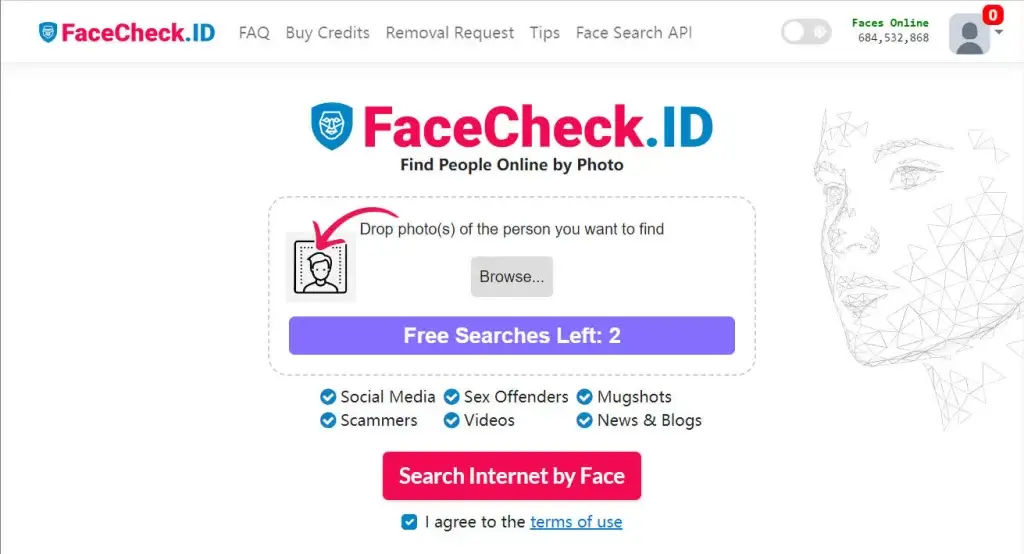
If the image turns out to be fake or stolen, that’s usually your answer right there.
Final Thoughts
Here’s the truth no one likes to say: You are not trying to “unmask” someone. You are trying to decide whether they’re worth your time and trust.
Discord wasn’t built for identity verification. Its anonymity is part of the appeal, and part of the risk.
If someone makes you uncomfortable, don’t investigate. Don’t confront them. Just block, report, and protect yourself.
Hopefully, this article helped you gather enough context to decide whether someone seems real.
Leave a Reply