

I use Spotify every single day. On the train. At the gym. While cooking. Sometimes just as background noise when I’m doing nothing. So yeah, I love Spotify.
But the first time Spotify asked me to upgrade to Premium, I paused. No ads. Offline listening. Unlimited skips. All great.
Then I saw the price. Almost $12 a month.
That doesn’t sound terrible… until you remember you’re already paying for Netflix, maybe YouTube Premium, cloud storage, food delivery subscriptions, and who knows what else.
So I did what most people do. I started looking for ways to get Spotify Premium for free, or at least cheaper.
Some methods worked. Some were a complete waste of time. A few sounded tempting, but turned out to be sketchy.
Here’s what I found.
In this article:
- Method 1: The 4-month Free Trial
- Method 2: 3 Months Free via Microsoft Rewards
- Method 3: The Starbucks Partner Benefit
- Method 4: Up to 4 Months of Spotify Premium with Xiaomi Devices
- Method 5: Earn Free Spotify Gift Cards with Online Surveys
- Method 6: The 50% Off Student Discount
- Method 7: The Spotify Family Plan
- Method 8: Social Media
How to get Spotify Premium for Free
Method 1: The 4-Month Free Trial (The Easiest Win)
If you’re new to Spotify, this is the first thing you should check.
Spotify sometimes offers a 4-month free trial for Premium. Not everyone gets it, and it comes and goes, but when it’s available, it’s honestly the easiest option.
Here’s how it works:
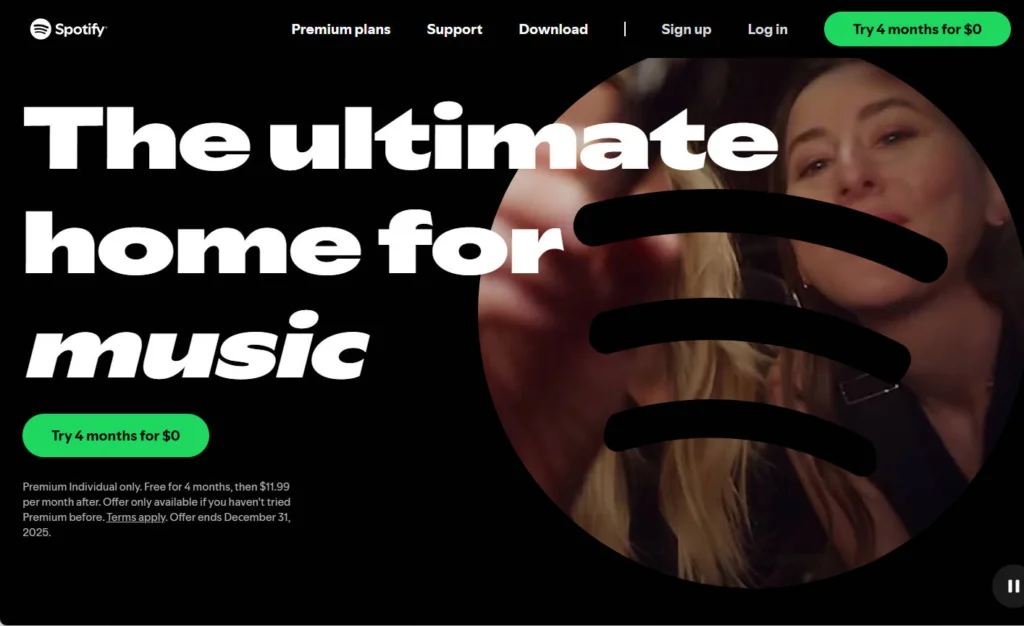
1) Go to the official Spotify website and click Try 4 months for $0 to get started.
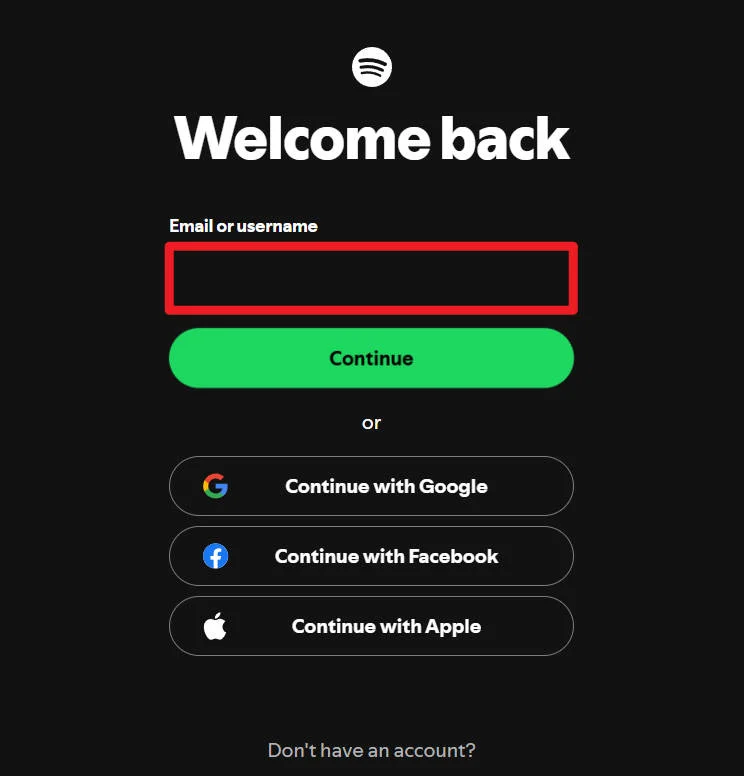
2) Log in with your account that has never had Premium. But if you don’t have one, click Sign up for Spotify to create a new account.
3) Enter your payment details and you’re in.
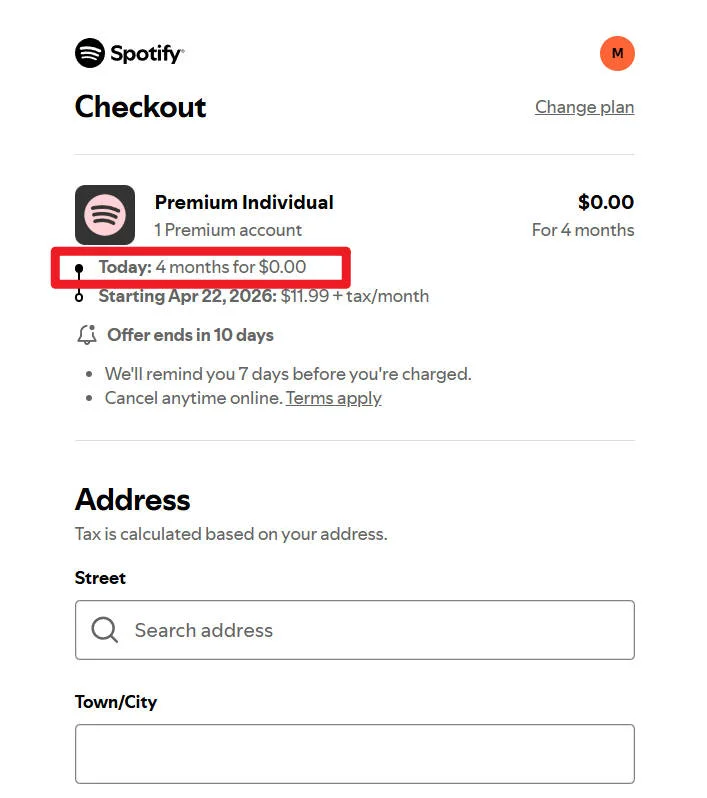
One important thing, though, and I can’t stress this enough: Set a reminder. If you forget to cancel before the trial ends, Spotify will automatically start charging you.
And yes, some people use multiple email addresses to sign up again. Just know that doing this repeatedly can violate Spotify’s terms and may get your account flagged.
Method 2: 3 Months Free via Microsoft Rewards (Offer Ends January 21, 2026)
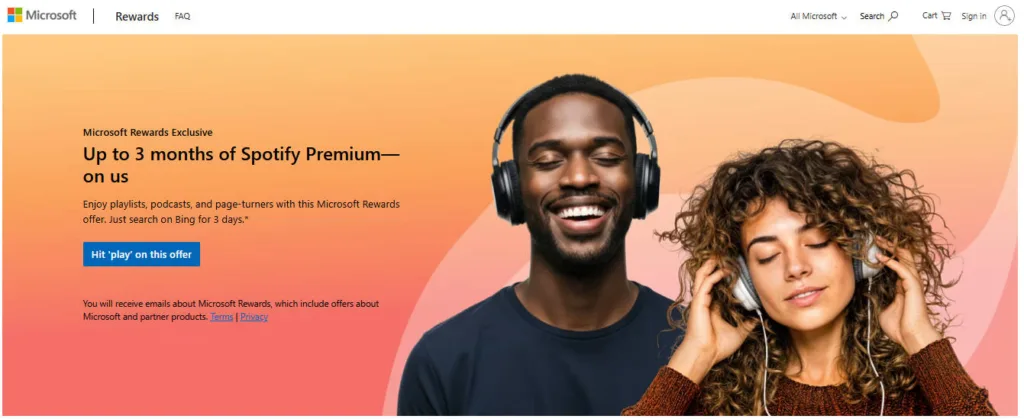
If you’re a Microsoft Rewards member, you can get 3 months of Spotify Premium for free. All you need to do is use Bing search for three days within a 14-day period.
1) Log in or sign up for Microsoft Rewards.
2) Visit the Microsoft Rewards Spotify Premium offer page and click ACTIVATE SPOTIFY OFFER NOW >.
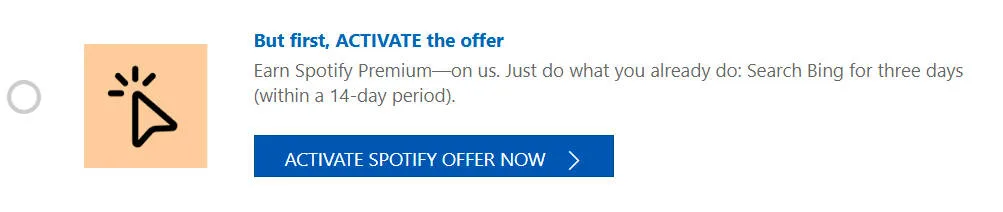
3) Use Microsoft Bing as your search engine for 3 days within 14 days.
4) Return to the Microsoft Rewards Spotify Premium offer page and click the REDEEM NOW > button.
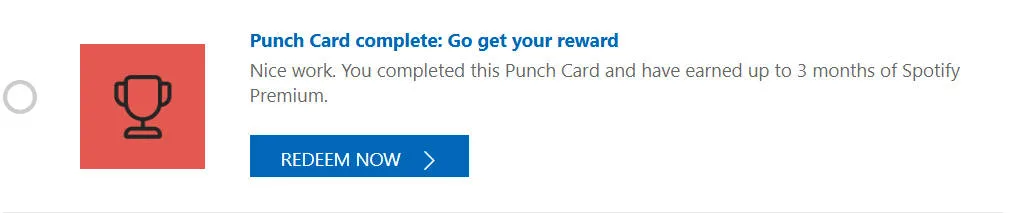
This offer is only available to users who have never tried Spotify Premium before. After the trial, Spotify will charge the regular $11.99/month unless you cancel.
Method 3: The Starbucks Partner Benefit
If you work at Starbucks, this one’s a no-brainer.
Starbucks partners get Spotify Premium for free as an employee perk.
If you already have Premium, cancel it first and wait until your current billing cycle ends.
1) Go to the offer page and click GET PREMIUM.
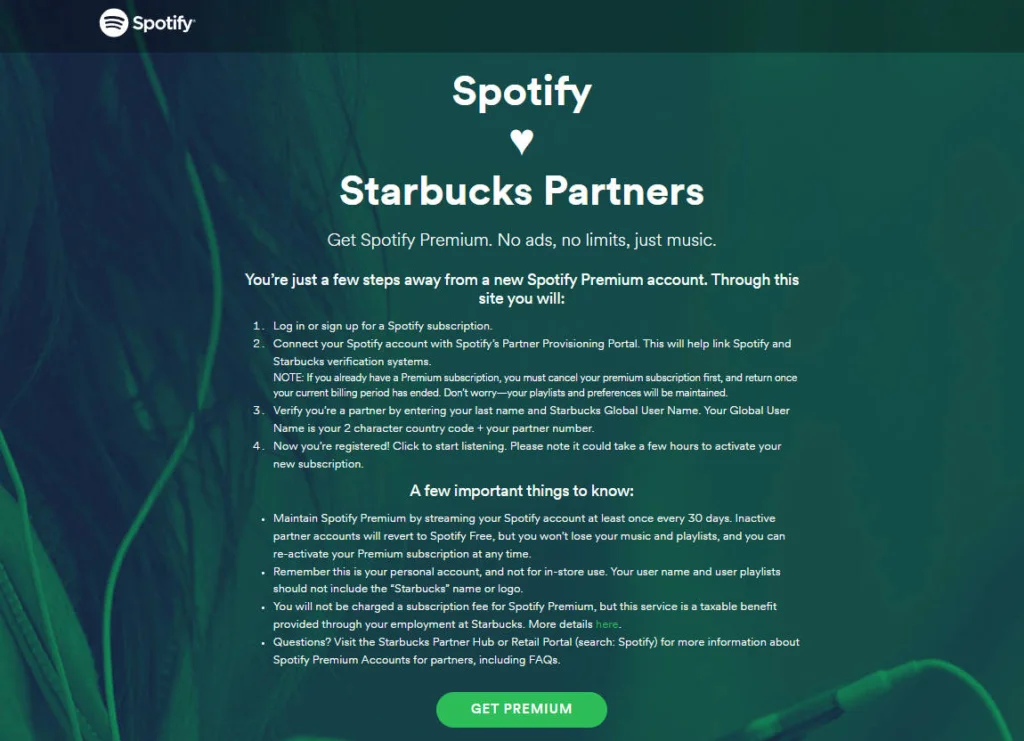
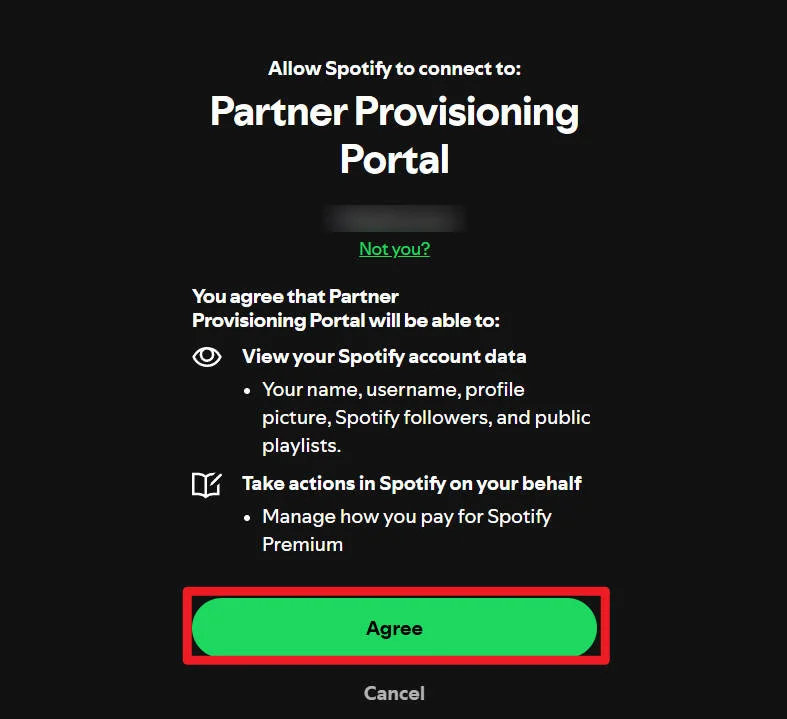
2) Connect your current Spotify account by clicking Agree. If you don’t have one, register for a new Spotify account.
3) Enter your last name and Starbucks global user name (2-character country code + partner ID). Complete the reCAPTCHA, accept the Terms and Conditions, and click GET PREMIUM.
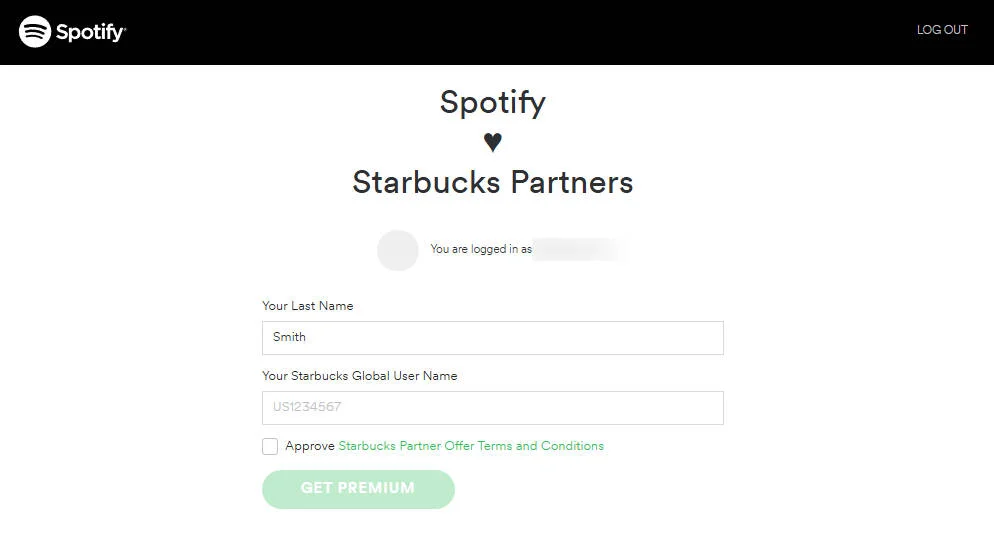
Your Premium subscription usually activates within 48 hours. Honestly, this might be one of the best employee perks out there.
Method 4: Free Spotify Premium with Xiaomi Devices
This one is very specific, but worth mentioning.
If you own certain Xiaomi phones, earbuds, or watches, you may be eligible for up to 4 months of Spotify Premium for free.
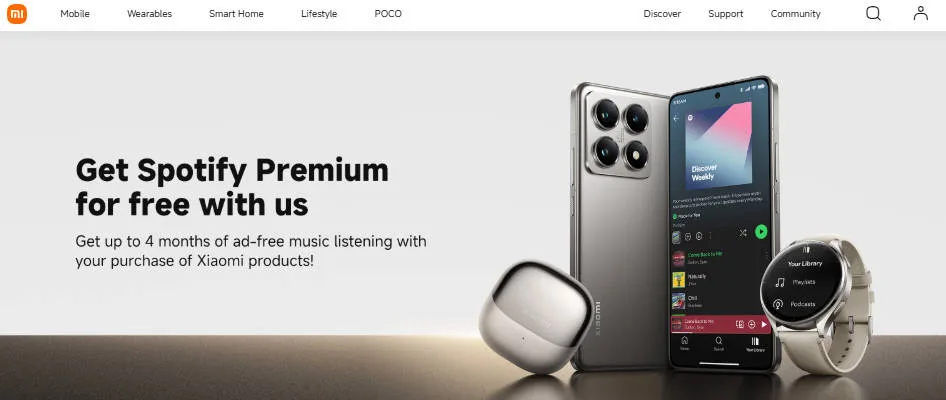
Depending on the device, you can get up to 4 months of Spotify Premium for free.
Eligible for 4 months Spotify Premium:
Xiaomi 13T / 13T Pro, Xiaomi 14 / 14 Ultra, Xiaomi 14T / 14T Pro, Xiaomi 15 / 15 Ultra, Xiaomi Mix Flip, Xiaomi 15T / 15T Pro, POCO F8 Ultra
Eligible for 3 months Spotify Premium :
Redmi Note 12 / 13 / 14 series, Xiaomi Buds 5 / 5 Pro, Xiaomi Watch 2 / 2 Pro, Xiaomi OpenWear Stereo series, POCO F8 Pro
Eligible for 2 months Spotify Premium:
Redmi 13 / 13C / 13C 5G, Redmi A3 / A3x / A5, Redmi 15 series, Redmi Buds 6 series
You’ll need to activate the offer through Xiaomi’s official channels, and availability can vary by region.
If you already use Xiaomi products, definitely check this.
Method 5: Free Spotify Gift Cards (If You Don’t Mind Surveys)
I’ll be honest: this method isn’t for everyone.
But if you have spare time (commuting, waiting in line, or killing time), online surveys can earn you Spotify gift cards.
Two platforms that are actually legit:
#1 Branded Surveys
Branded Surveys is a survey website for you to make extra money online. Whenever you’re free, on the subway or waiting for a bus, you could take a couple of surveys to earn PayPal cash or popular gift cards. It’s not fast money, but it’s real.
1) Sign up at Branded Surveys with your email and create a password.
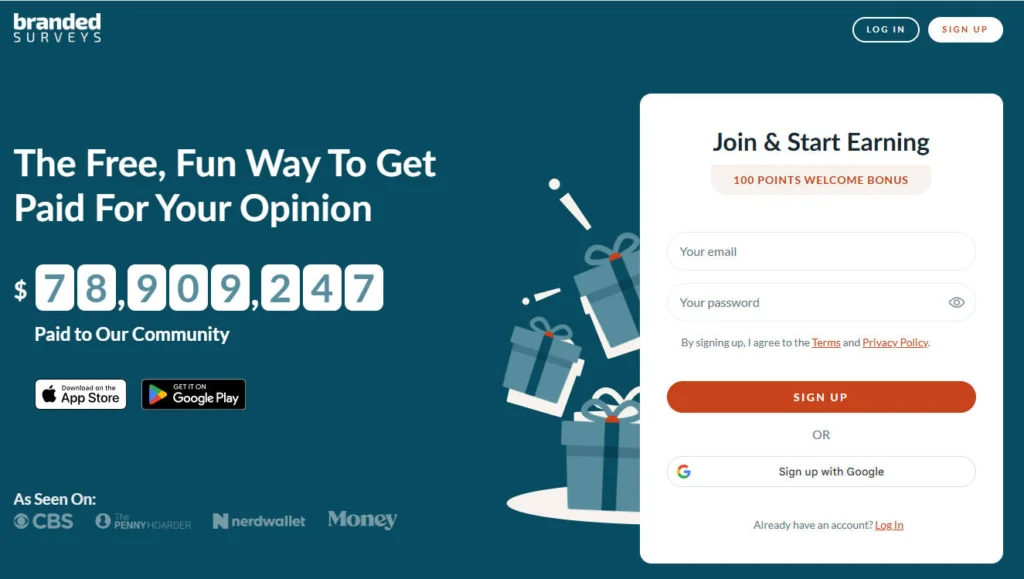
2) Fill in basic information.
3) Go to your email inbox and complete the email verification. Doing this will help protect your account and keep you updated on the latest high-paying surveys relevant to your preferences. Once done, you’ll also receive a sign-up bonus.
4) You could land on the survey dashboard after the profile is set up. Start earning cash right away!
Every survey pays out differently, from 50 to 300 points. Once reaching 500 points, equivalent to $5, you could cash out via PayPal or redeem gift cards to your favorite retailers like Spotify and more.
For secure and effective payouts, don’t forget to verify your email.
#2 Survey Junkie
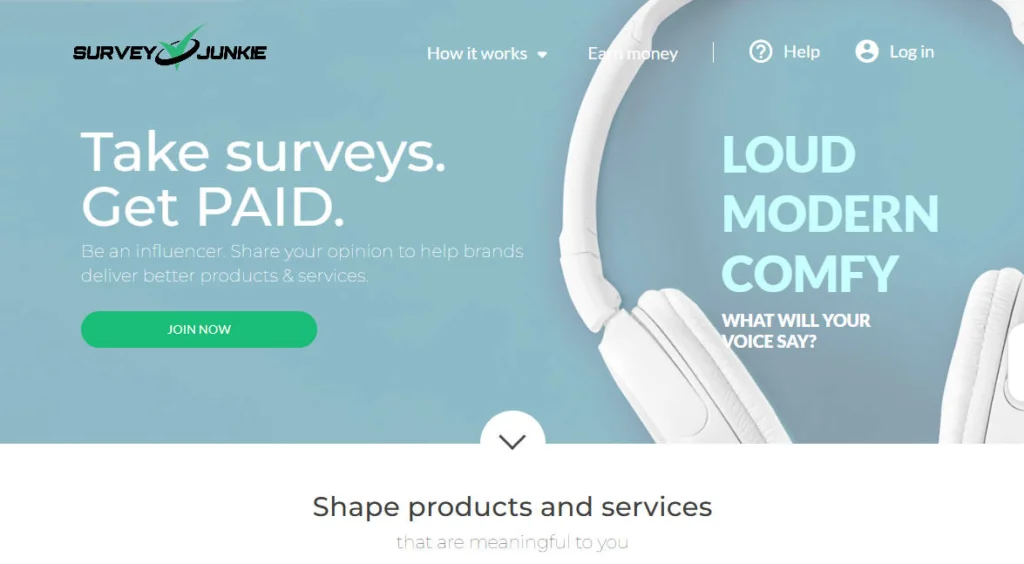
Survey Junkie works the same way. You earn points for surveys, and even if you get disqualified, you usually still get a small payout.
1) Register an account at Survey Junkie.
2) Go to your email inbox and confirm the email. The confirmation is necessary if you want to redeem the points you earned for cash. And doing this will also give you 25 bonus points.
If you don’t receive the confirmation email:
- Search for the email in the Spam or Trash folders.
- Check if you provide the correct email address via My Profile. If not, you may input the correct email address in the e-Giftcard email field and click Update. A new confirmation email will be sent to that email address, and the e-gift card rewards will also be sent to that email. Or you could consider signing up again with the correct email address.
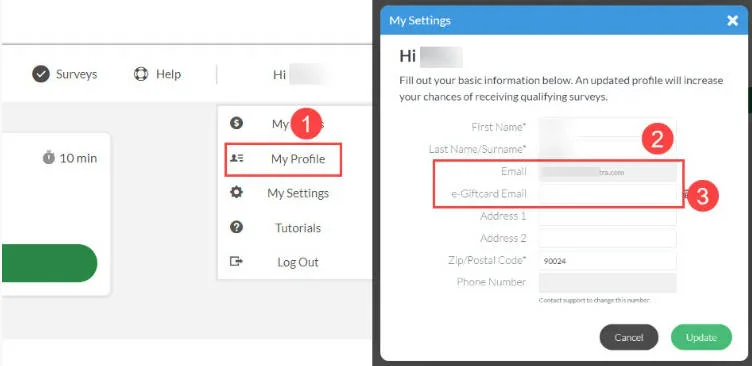
Completing each survey will give you different points depending on the time needed. 100 points equals $1. In some cases, you may be disqualified or terminated from a survey, but you can still earn $0.02 to $0.03 for the time spent.
If surveys sound like torture, you can skip this entirely. Some people prefer just buying discounted Spotify gift cards from resellers instead.
Method 6: The 50% Off Student Discount
If you’re a student, Spotify is honestly being generous here. You get 1 1-month of free trial and 50% off Premium ($5.99 per month) after the trial ends.
1. Go to the Spotify Premium for Students page, and click Get 1 month on us.
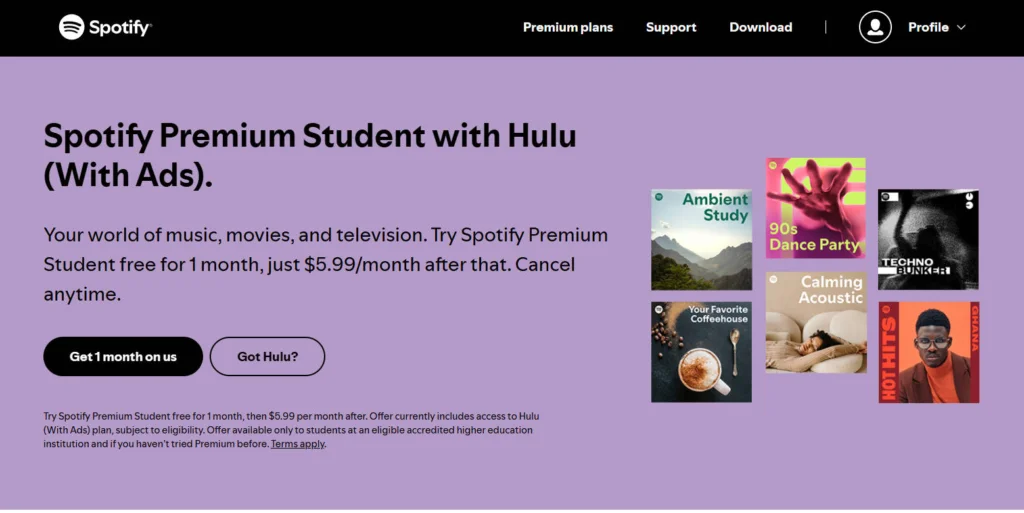
2. Log in with your account that has never subscribed to the Premium membership. But if you don’t have one, click Sign up for Spotify to create a new account.
3. If you’ve already logged into your account, click Verify.
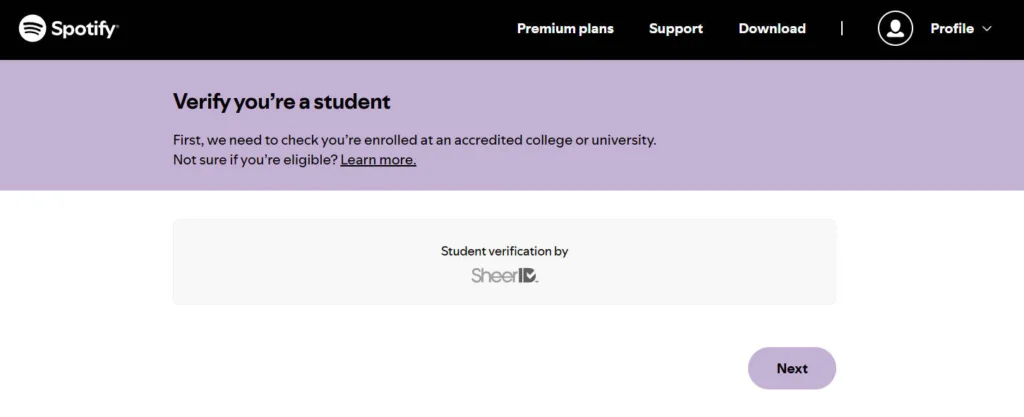
4. You just need to verify your student status, add your billing info, and you’re good to go.
If you’re eligible, this is probably the best long-term option.
Method 7: The Spotify Family Plan
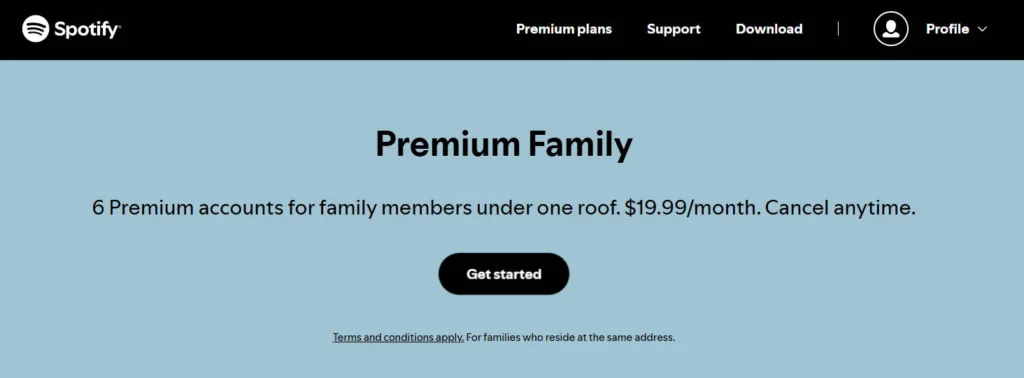
If you live with other people, this is where things get really cheap. The Spotify Family Plan costs $19.99 per month and supports up to 6 accounts.
Split between six people, that’s about $3.30 per person.
The only catch: Everyone is supposed to live at the same address.
If that’s not an issue, this plan is hard to beat.
Method 8: Social Media
Every now and then, people give away unused Spotify trials or promo codes on social media.
Reddit is usually the best place to look. Try subreddits like Free or Freebies, or make a post asking if anyone has extra Spotify codes they don’t need anymore.
There’s no guarantee you’ll find anything, but it costs nothing to check.
Methods That Don’t Work (And You Should Avoid)
Before you go, let’s talk about what doesn’t work.
Free Spotify Premium account generator
They’re scams. Always. Almost all the websites claiming to create unlimited Spotify Premium accounts are just clickbait and never work as promised.
Spotify Premium APK
While some guides may teach you to install Spotify Mod APK to use certain premium features for free, this practice is illegal, and worse, may pose severe risks to your privacy and the security of your device.
Without verified sources, cracked or pirated versions of apps may be riddled with malware and viruses that can prevent your devices from working properly and even steal critical data on your phone. Just imagine the consequences if hackers are able to access such information. Moreover, the cracked versions won’t function as reliably as the official apps. It’s not worth the risk.
Final Thoughts
You don’t have to pay full price for Spotify Premium. I’ve tried enough methods to say that confidently. Some are easy. Some take a bit of effort. And some just aren’t worth touching.
Pick what fits your situation, save some money, and enjoy your music without ads.
If you’ve found another legit way to get Spotify Premium cheaper, or if you have questions, feel free to share.
Leave a Reply